
As a data provider of a decentralised data offering with EDC Connector, you are able to
add the asset selector in the contract definition
define selection criteria to identify which assets in your EDC Connector are included in this offering
The asset selector works like a “filter” in your EDC connector, to select assets
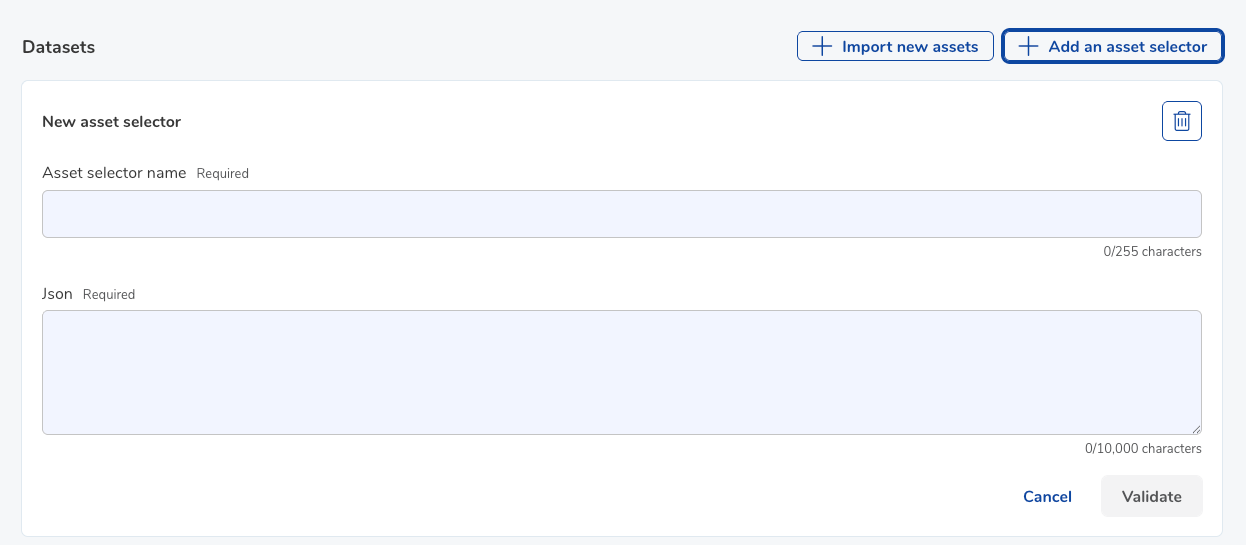
The asset selector uses an “AND” operator for conditions included in it.
i.e. file type = json + file name with the word “Lyon”
If you want to make a “OR” operator possible for your future data acquirers, create different asset selectors they can acquire in the same data offering.

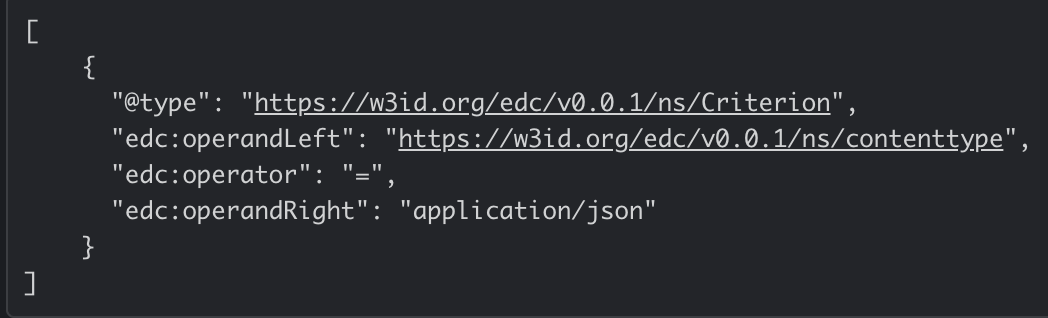
Asset selector: Get all json files
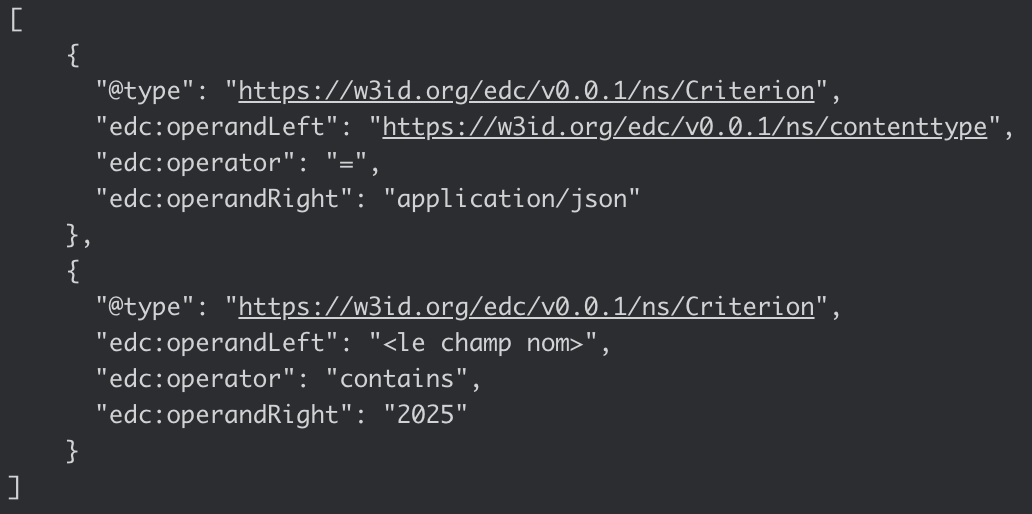
Asset selector: Get all json files that have 2025 in their name